Partners
Create a new partner
To create a new partner click '+ New Partner' in the right upper corner.
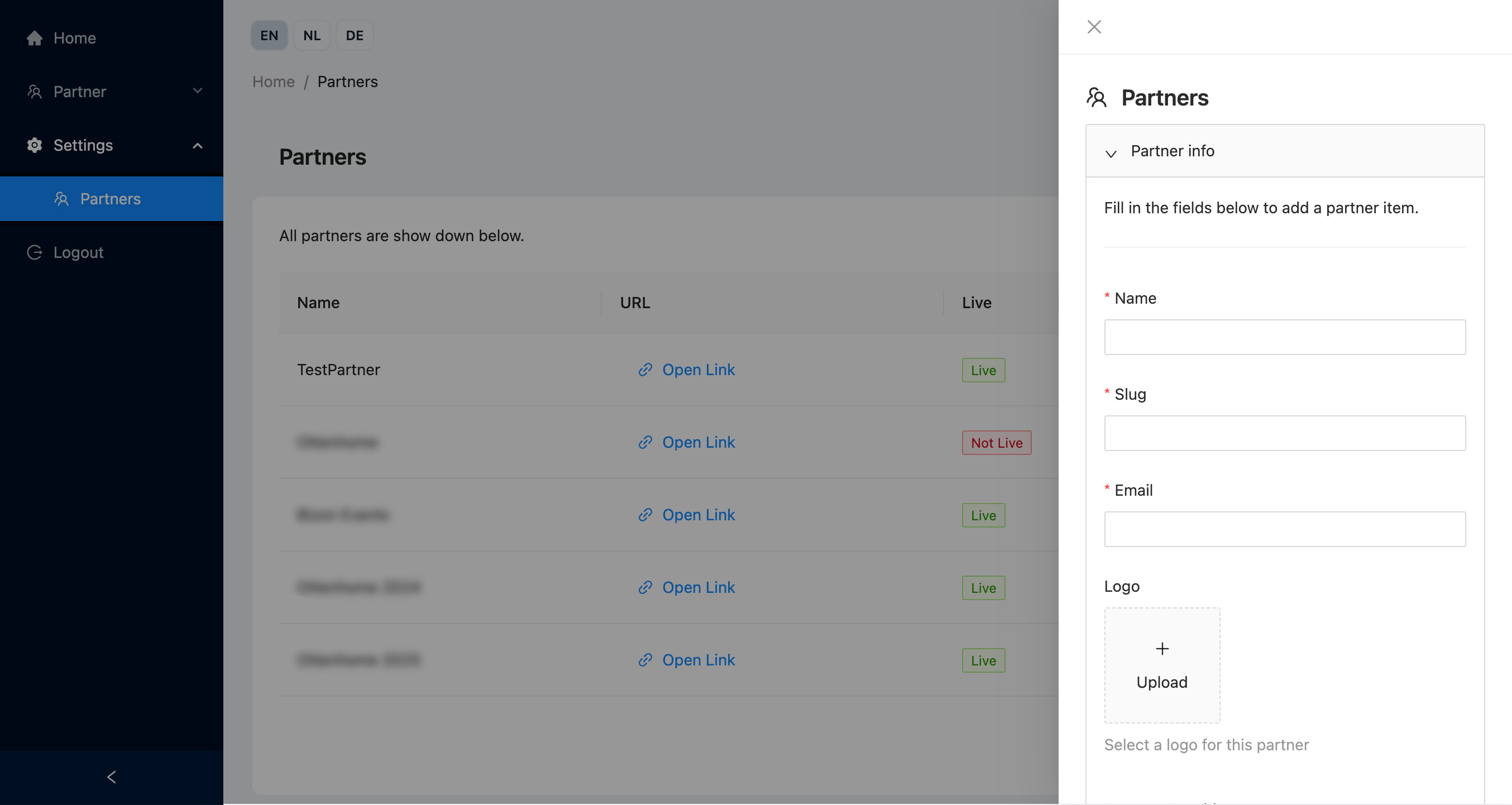
On a partner you can specify the following fields.
Partner info
Name
The name of the Partner
Slug
A unique slug for the Partner, the Partner's shop will be accessible under the following URL, whereby YOURSLUG is replaced by the value you fill in for 'slug'.
https://shop.caught.nu/shop/YOURSLUG
Email
A valid e-mail address for the partner. The partner will receive a confirmation of every order from the partner shop on this Email address.
Logo
A logo for the Partner.
Payment Provider
The payment provider that is used for orders from the Partners' partner shop. Depends on the available Payment Methods set up under your account.
VAT Rates
Determines which VAT Rates can be used on products for this Partner. Depends on the available VAT rates under your account.
Live
Determines whether the Partner Shop is available or not. It can also be used to enable testing without actual transactions.
Available options:
- Live - The shop is accessible and payments are handled using real transactions. Purchases are counted as usage an invoiced by Caught (costing actual money!)
- Test - The shop is accessible and payments are handles using test transactions. Purchases are not counted as usage by Caught. Batch orders for multiple access codes are limited to 1 code.
- Not live - The shop is not accessible. Use this option if you only want to make use of Links.
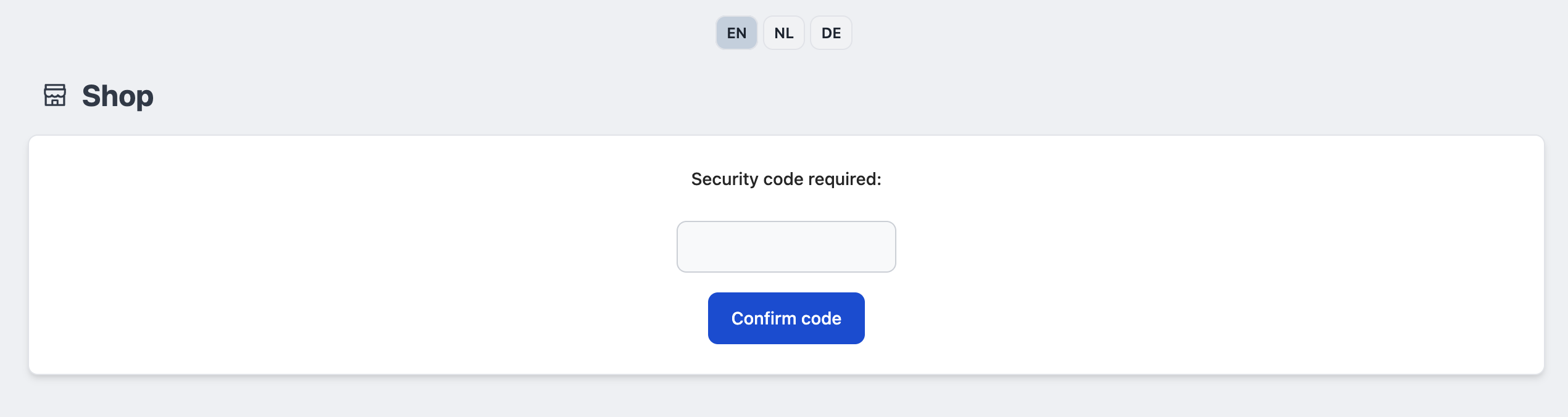
Secured
If checked, the shop will be secured using a 6-character password that you can share with your Partner.
Order Min. / Order Max.
If specified, limits the minimum and maximum order quantities for the Partner. E.g. they must always order at least 10 access codes, or they can order 10 at most per order.
Code validity
The validity of purchases access codes in months. The maximum allowed value is 12.
Billing Details
We currently do not send invoices to your Partners. These details are only forward to certain Payment Providers, such as Mollie.
Street + Number
Partners' address - Street and house number
Postal Code
Partners' address ZIP code / Postal Code
City
Partners' address - City
Country
Partners' address - Country
Payment provider settings
Depending on the chosen payment provider you might be able to fill in additional API Key details.
API Keys
This allows you to connect the payment provider account of your Partner, so that transactions are handled through their account. If you don't specify anything, we will automatically use the payment provider info as specified on your account.